Find Parameter (Brute force)
The brute-force mode varies each parameter exhaustively (a grid search) to find the values that best satisfy:
- sharp peaks (i.e. small FWHM), and
- small deviation of the d-values.
It is effective for incomplete rings or noisy data, where geometric optimization struggles to converge. See Tools for an overview of the tool and Procedures for the basic flow.
Steps
-
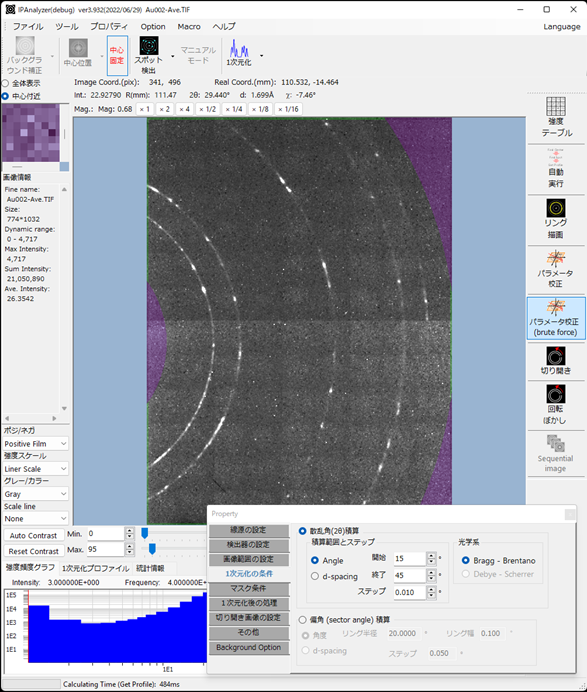
Load the image data and parameters, then click Find Parameter (brute force).
-
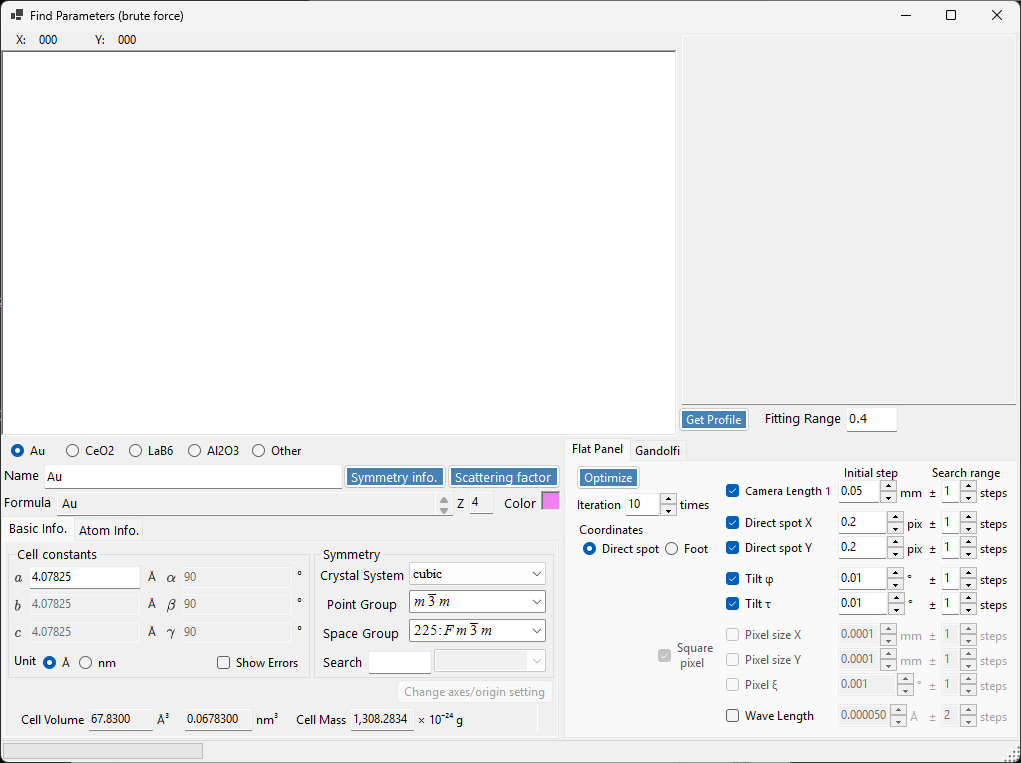
Select the standard material. If it is not in the list, choose Others and enter it manually.
- Show the profile with Get profile.
- Double-click any peak line you do not want to use for optimization to exclude it.
- Set the options and press Optimize to start the optimization.
Options
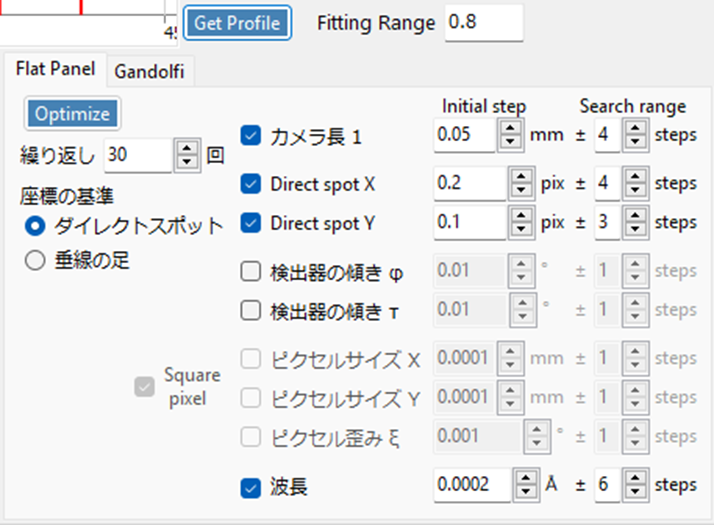
Fitting range
Specifies the angular range fitted for each peak.
Number of repetitions
Specifies the number of optimization cycles.
Per-parameter options
Optimization is performed on the checked items. Each parameter moves over the specified range (Search range) in the specified step (Initial step).
For example, if the camera length starts at 100 mm with an Initial step of 0.05 mm and a Search range of 4, then 9 (= Search range × 2 + 1) camera lengths are tried: 99.80, 99.85, 99.90, 99.95, 100.00, 100.05, 100.10, 100.15, 100.20 mm.
When the trial counts of the parameters are N1, N2, N3, …, the total number of trials per cycle is N1 × N2 × N3 × …. In the example above, with four parameters at Search ranges 4, 4, 3, and 6, this is (4×2+1) × (4×2+1) × (3×2+1) × (6×2+1) = 7371 trials. In other words, 7371 parameter sets are tried, and the combination with the sharpest peaks and smallest d-value deviation is chosen.
Warning
Increasing Search range sharply increases the number of trials and lengthens each cycle. Use it with care.
Status screen
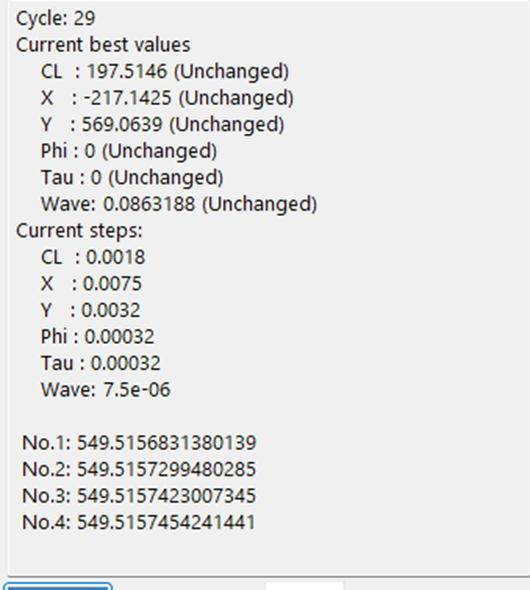
During calibration, a status screen like the one above is shown.
- Cycle: the current cycle number. When a cycle finishes, the best parameter set found in it becomes the starting point of the next cycle. If the best parameters are identical to the previous cycle, the step is multiplied by 0.8 for the next cycle.
- Current best values: the best parameters at that moment.
- Current steps: the step of each parameter at that moment.
- No1, No2, …: the best 5 evaluation values in the cycle. They drop quickly at first and converge as the optimum is approached.
Evaluation value R
The evaluation value R is computed as follows.

Here H is the background-subtracted peak height.