Structure Viewer
Structure Viewer draws the selected crystal as a three-dimensional image using OpenGL.
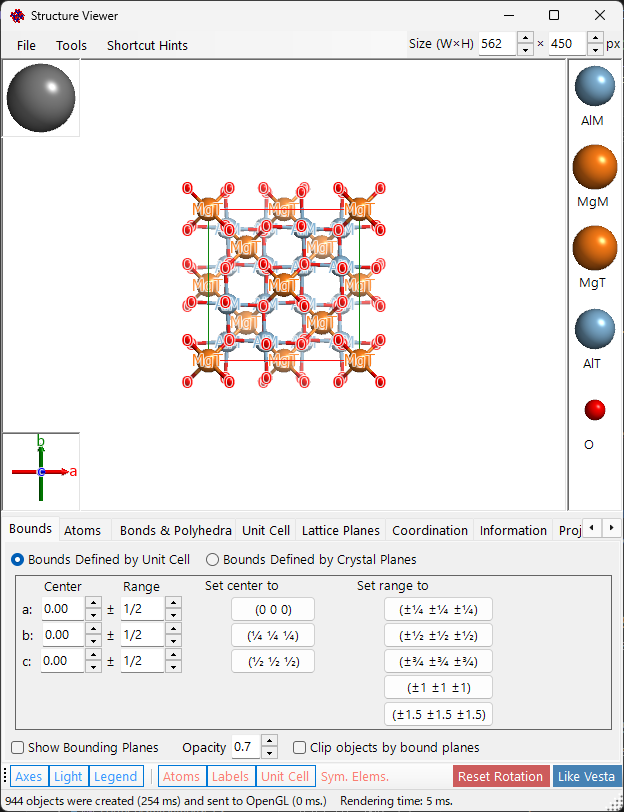
Main area
3D crystal structure with light source, crystal axes, and atom legend.
| Operation | Action |
|---|---|
| Left drag | Rotate |
| Centre drag | Translate |
| Right drag/wheel | Zoom |
| Left double-click | Select/deselect atom |
| Ctrl+Right double-click | Toggle perspective/orthogonal |
Menu bar

The Size (W×H) box at the top right of the window sets the pixel size used when saving or copying the rendered image.
File menu
Save image, copy to clipboard (Ctrl+Shift+C), save movie (MP4).
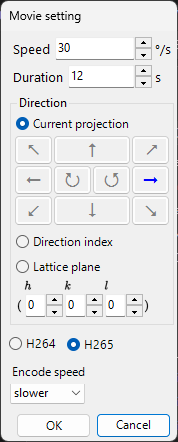
Save movie opens the Movie setting dialog below: set the rotation speed, recording duration, and direction (current projection, a direction index, or a lattice plane), the codec (H.264 / H.265) and encode speed, then press OK to generate an MP4 file.
Tool menu
Tab menu
Bounds
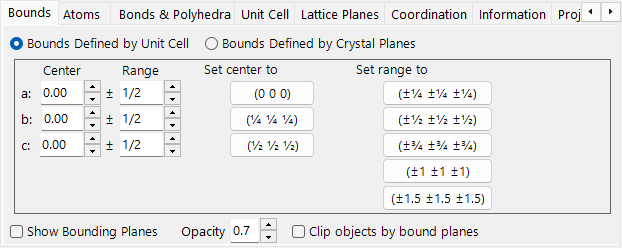
Drawing range by unit cell or crystal planes. Bound planes, clipping, hide atoms.
Atoms
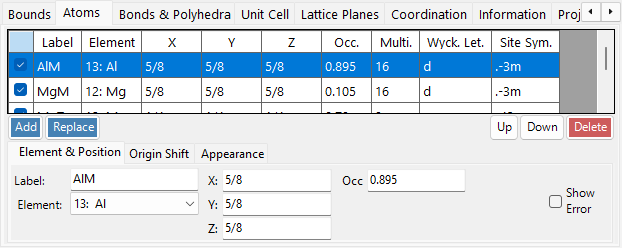
Coordinates, element, occupancy, radius, colour, material. Apply to same elements.
Bonds & Polyhedra
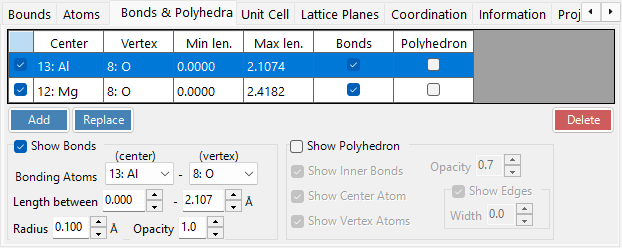
Bond length thresholds, polyhedron display, edges.
Unit Cell
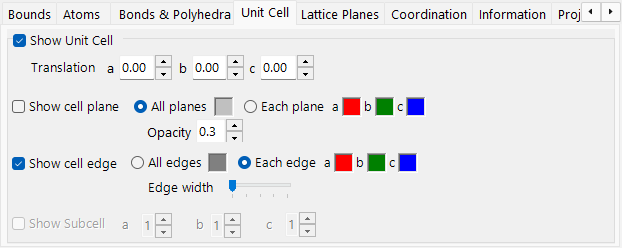
Translation, cell planes, edges.
Lattice Planes
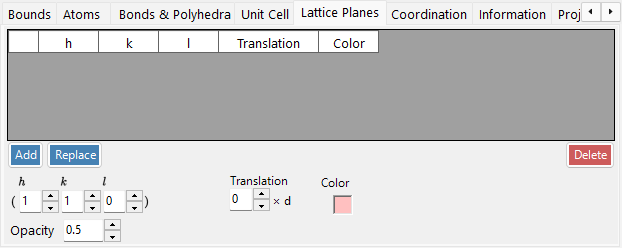
Miller index specification with crystallographic equivalents.
Coordination
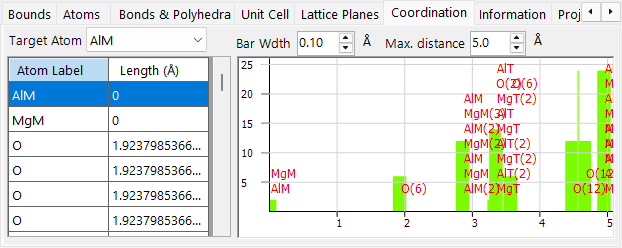
Coordination table and graph around target atom.
Information
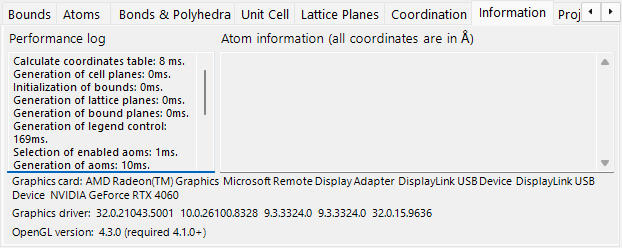
Performance log and atom information.
Projection
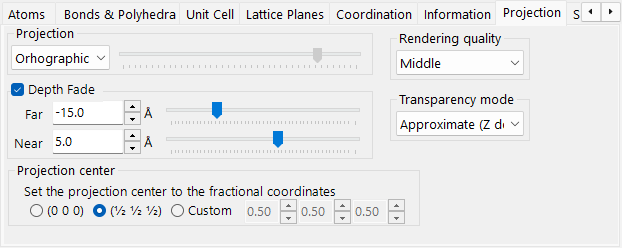
Projection mode (orthographic/perspective), depth fading, rendering quality, transparency mode.
Misc.
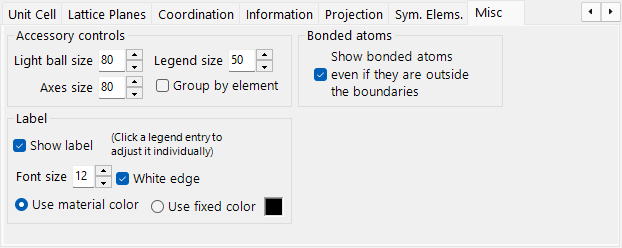
Accessory panel size, label settings, bonded atoms outside boundaries.
Symmetry Elements
The Symmetry Elements tab draws the space-group symmetry operators directly onto the 3D model (toggle with the Symmetry Elements toolbar button). Each class of element can be shown/hidden independently:
- Rotation axes and screw axes
- Mirror planes and glide planes
- Inversion centres and rotoinversion axes
For each class you can adjust the symbol size, line width, and colour.
Toolbar

| Button | Description |
|---|---|
| Crystal Axes | Show axis orientation (size = lattice constant) |
| Light direction | Set light direction |
| Legend | Atom legend |
| Like Vesta | Vesta-style appearance |
| Reset rotation | Return to the initial orientation |
| Atom / Label | Toggle atom objects / atom labels |
| Unit cell | Toggle unit-cell edges |
| Symmetry Elements | Toggle the symmetry-element overlay (see above) |