HRTEM / STEM Simulator
The HRTEM/STEM Simulator simulates TEM lattice-fringe (HRTEM) images, STEM images, and projected potentials. Click Simulate to run.
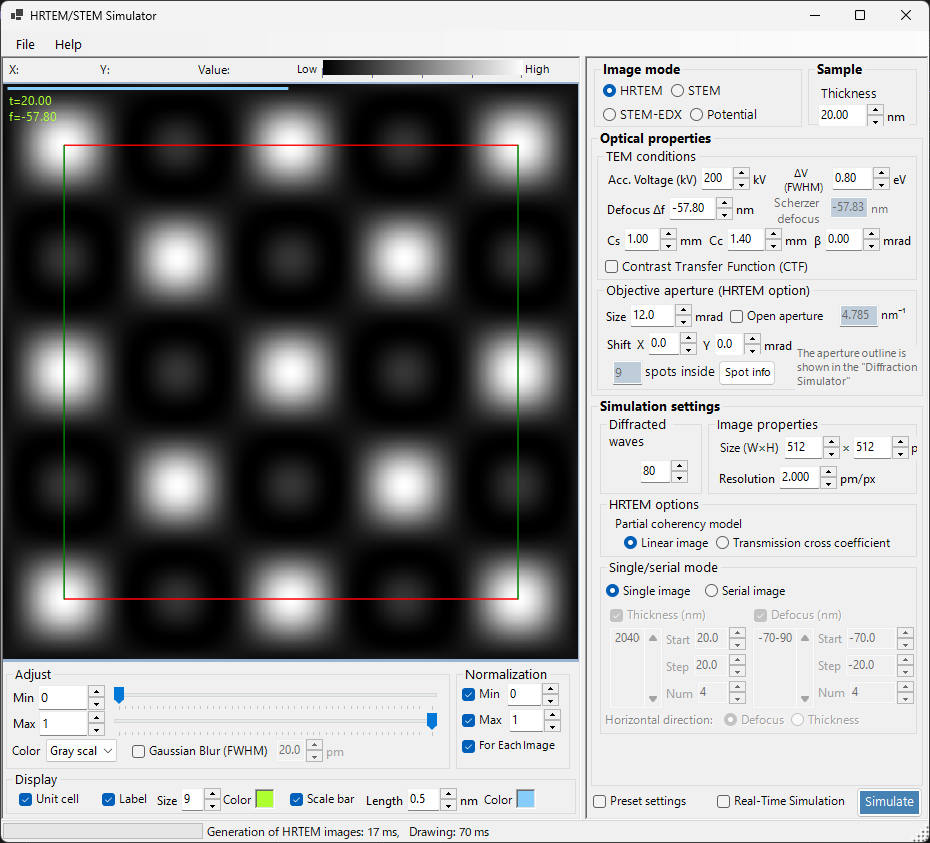
File menu
Help menu
Image mode / Sample
HRTEM, Potential, or STEM.
Optical property
TEM conditions
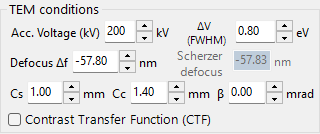
Acc. voltage, defocus (Scherzer shown).
Objective aperture (HRTEM option)
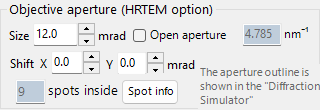
Cs, Cc, beta, delta-E, PCTF, spatial/temporal coherence envelopes, objective aperture.
STEM options (optical)
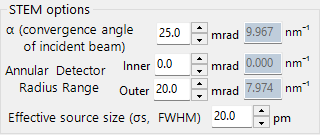
Simulation property
HRTEM options

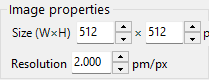
Max Bloch waves, image pixels/resolution, partial coherence (quasi-coherent / TCC), Single/Serial mode.
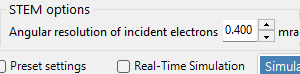
STEM options (simulation)
Potential options
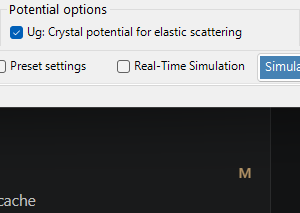
Image properties
Diffracted waves
Simulate

Display settings
Adjust
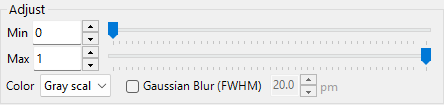
Min/Max brightness, colour scale, Gaussian blur.
Normalization
Display

Label (thickness/defocus), scale bar, unit cell overlay.
STEM image
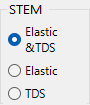
STEM simulation
Computation depends on: convergence angle, Bloch wave count, angular resolution.
| Detector | Contribution |
|---|---|
| BF, ABF | Elastic |
| LAADF, HAADF | Inelastic (TDS) |
Set temperature factors non-zero for TDS (B = 0.5 A^2 if unsure). HAADF intensity ~ Z^2.
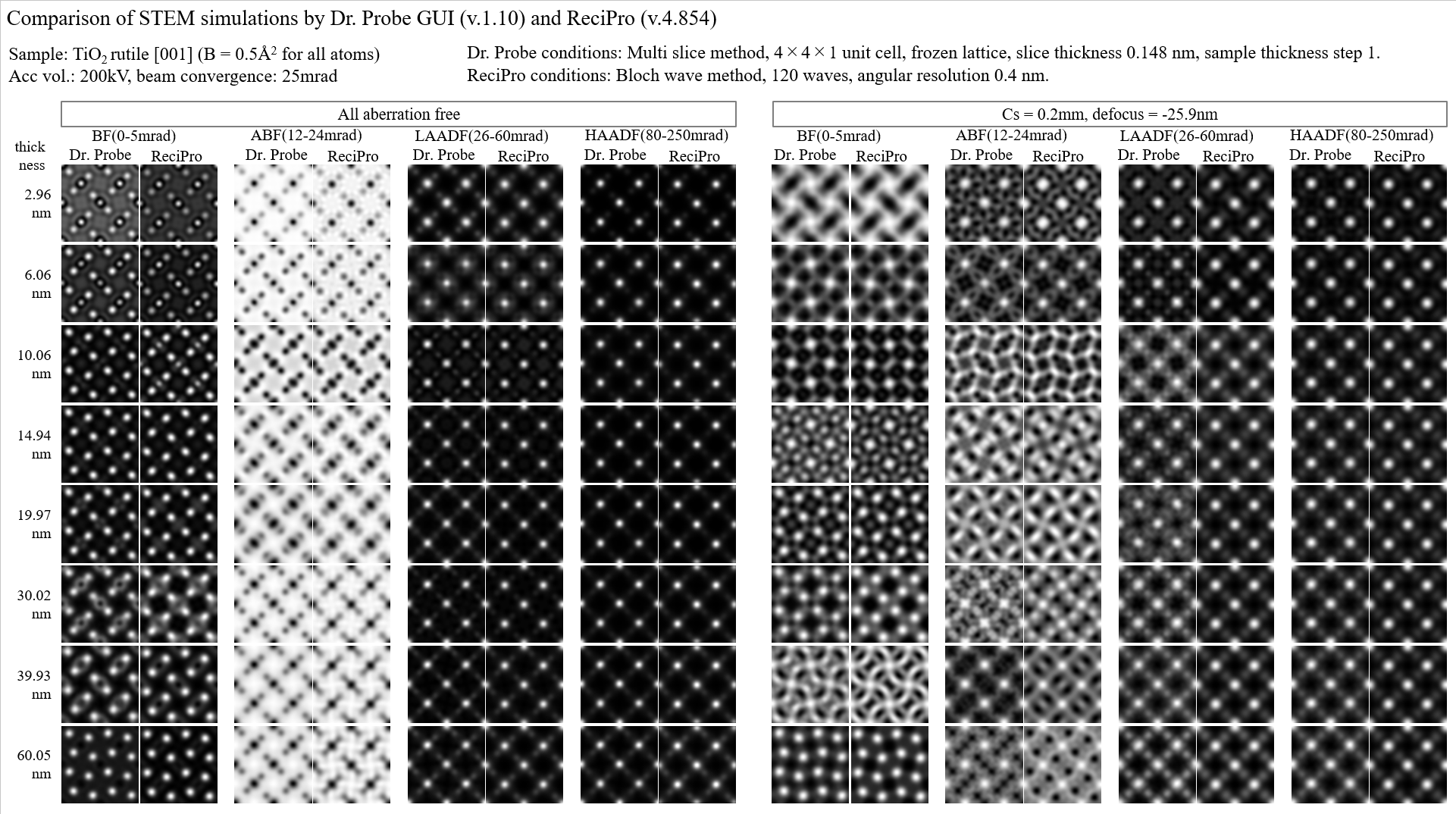
A more detailed report is available as a PDF: Comparison of STEM simulations by Dr. Probe GUI (v1.10) and ReciPro (v4.854). See 8.2. STEM simulation for details.